Horizontal lockup
The default. Use it anywhere there is room.
Brand
Logos, app icons, stream overlays, and wallpapers. Use them to put dartpilot on your stream, your venue wall, or your listing, as long as they stay unchanged.
Logos
Symbol, wordmark, and two lockups in four colourways. Every SVG has the wordmark outlined, so it renders the same everywhere.
The default. Use it anywhere there is room.
For square spaces: posters, tiles, and merch.
For favicons, avatars, app tiles, and tight spaces.
When the symbol is already on screen.
| Mark | On screen | In print |
|---|---|---|
| Horizontal lockup | 96 px wide | 25 mm wide |
| Stacked lockup | 48 px wide | 15 mm wide |
| Wordmark | 64 px wide | 18 mm wide |
| Symbol | 16 px | 5 mm |
Below these sizes, switch to the symbol alone.
Icons
A full PNG ladder from 1024 down to 16 px, favicons, and ready-made packs for macOS, Windows, iOS, and Android.
The gold symbol on an ink tile. Square for platforms that mask it, rounded for social avatars and tiles.
The symbol alone, for browser tabs and bookmarks.
Ready-made sets for each platform. iOS rejects transparent icons, so the iOS set is fully opaque.
Overlays
Frames, a scorebug, alerts, and holding screens for OBS. Transparent PNGs at 1920×1080 unless noted.
Full-screen backgrounds for OBS scenes. Opaque, 1920×1080.

Ink
Midnight Gold
Oche Lines
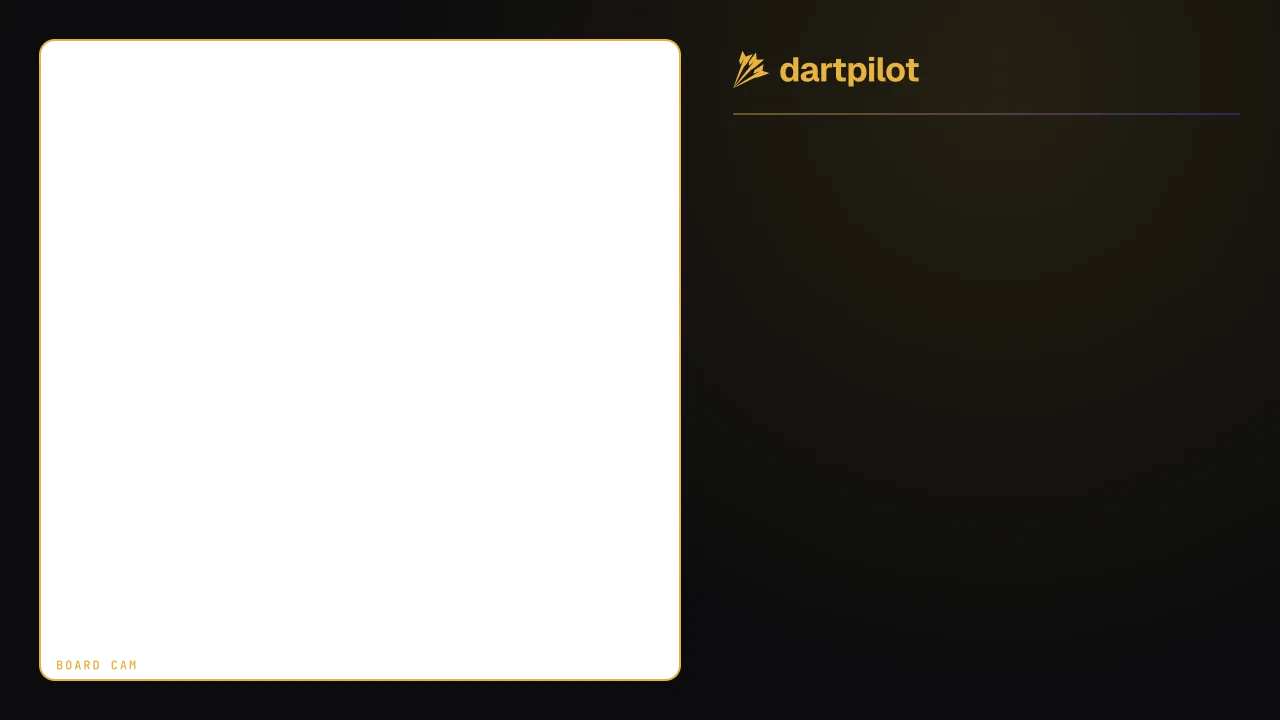
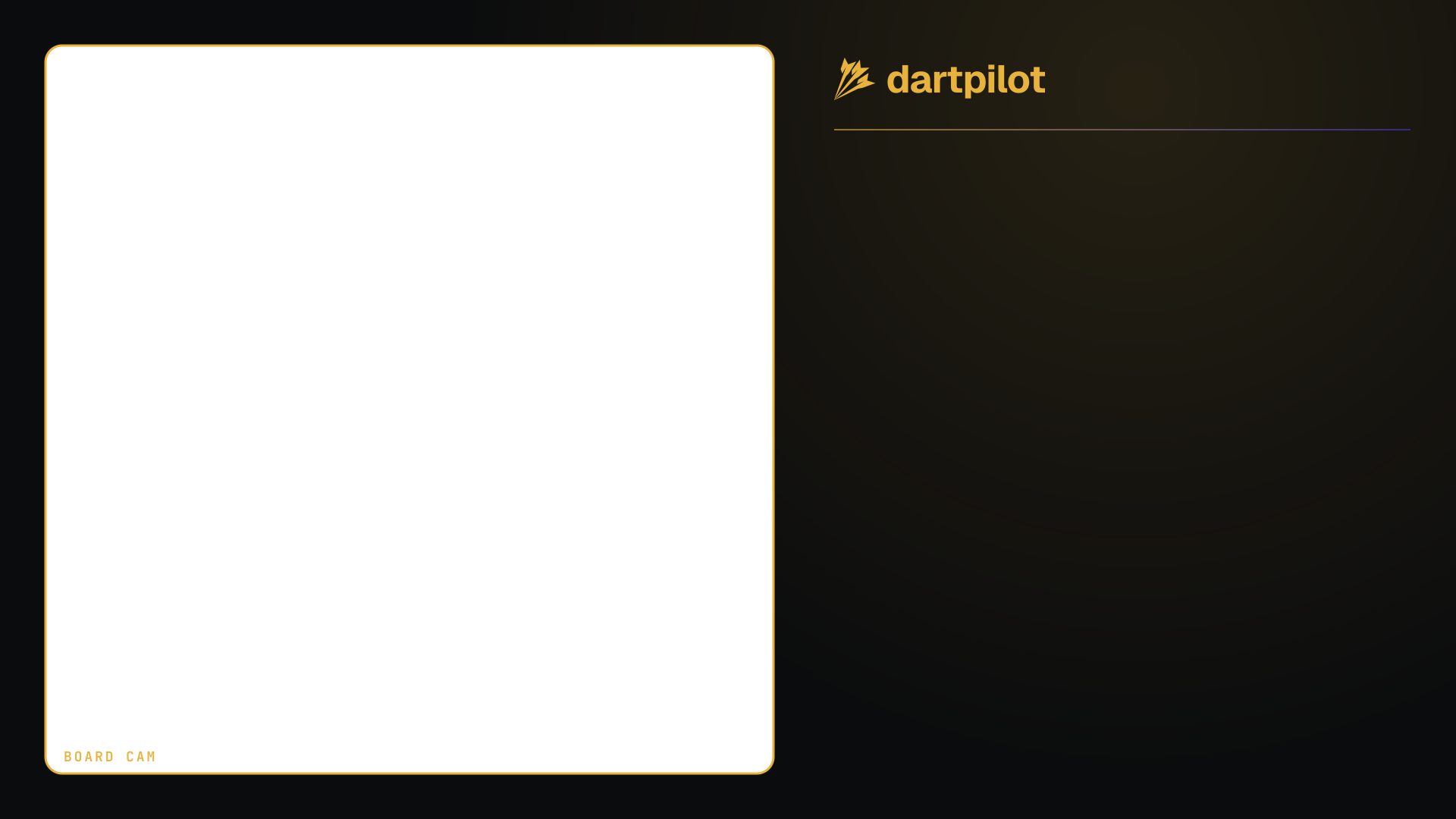
A frame with a transparent cut-out. Put the board camera in the layer below.
Panel
Corners
Broadcast
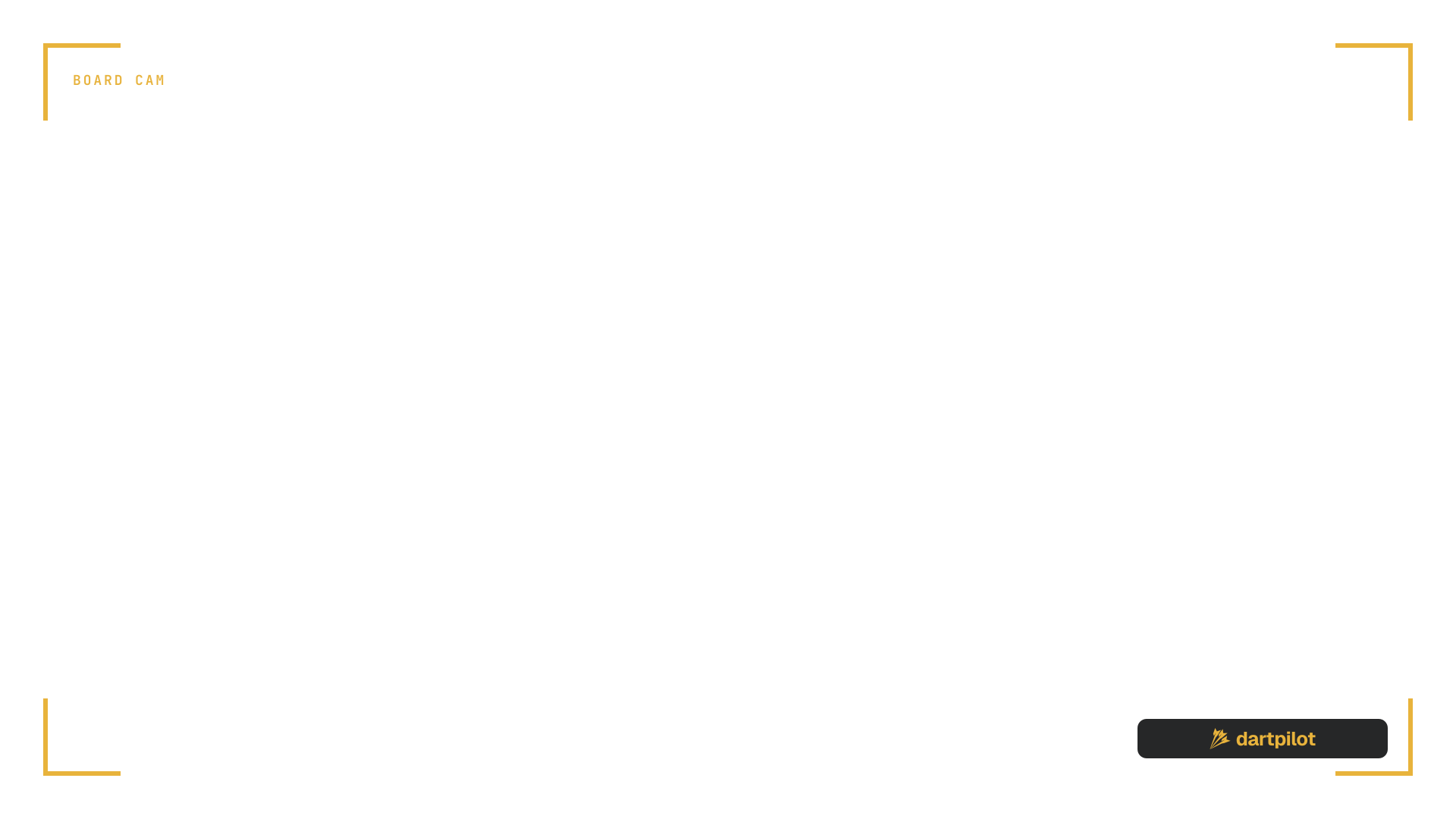
Matches the board cam frames. Sits over a face camera in the bottom right.
Panel

Corners

Broadcast
A lower third with room for two players, their scores, legs, and average. Add text sources on top.
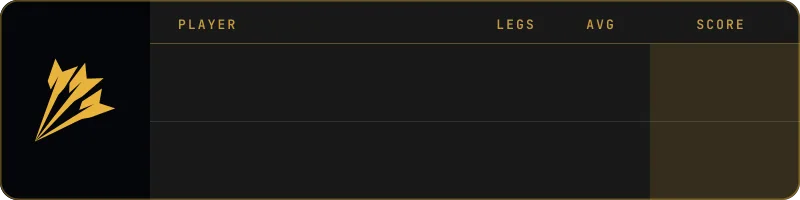
Scorebug
Corner branding plus a score strip along the bottom. Transparent everywhere else.
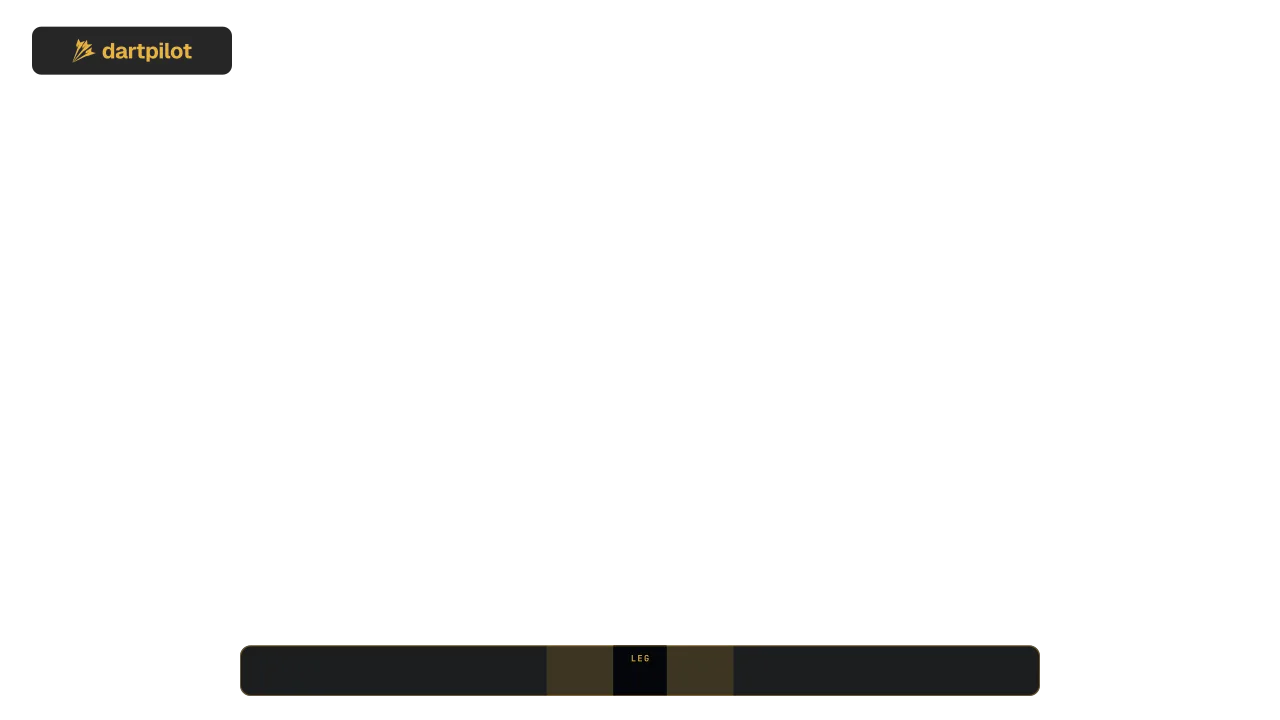
Full frame
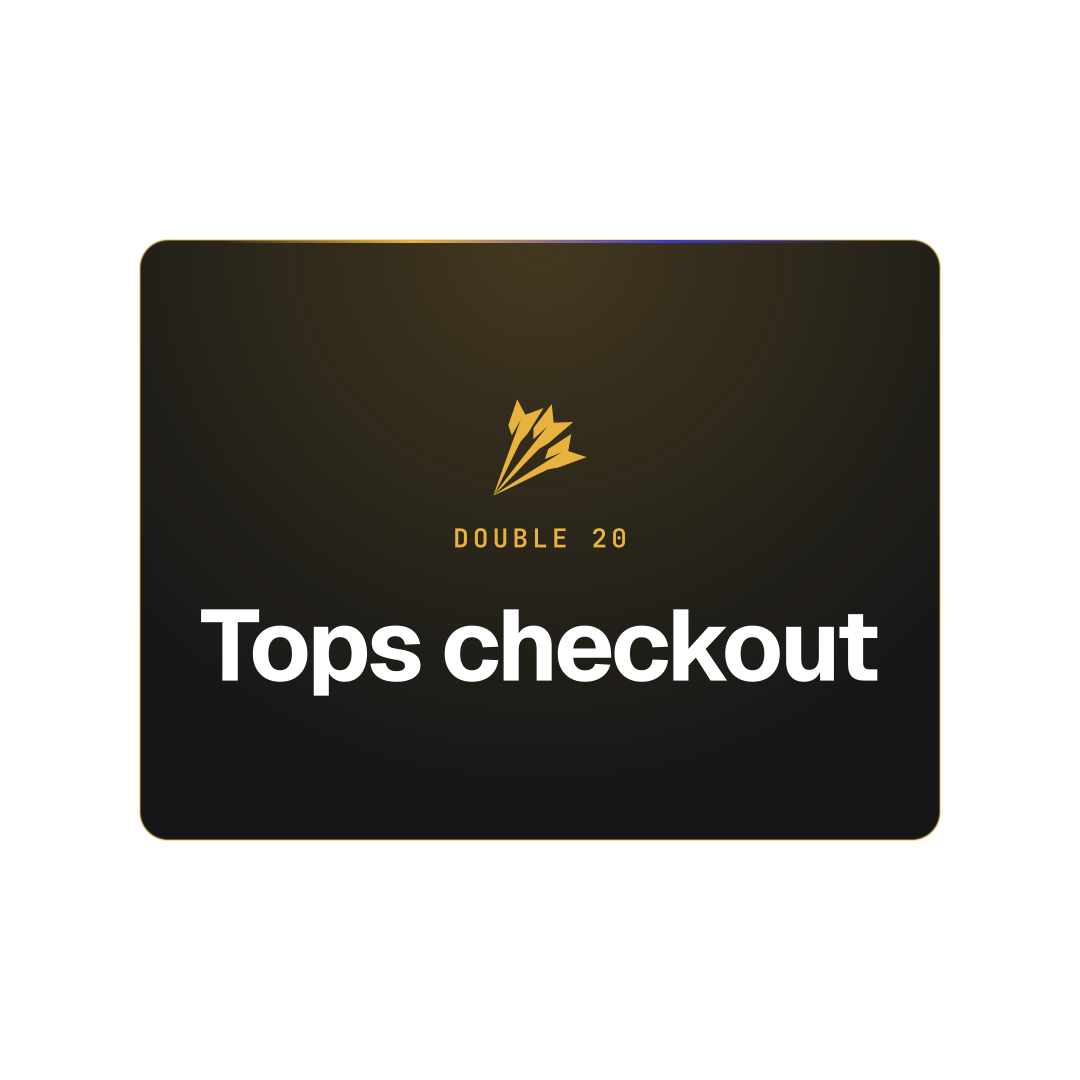
Static alerts for the big moments. Landscape and square.
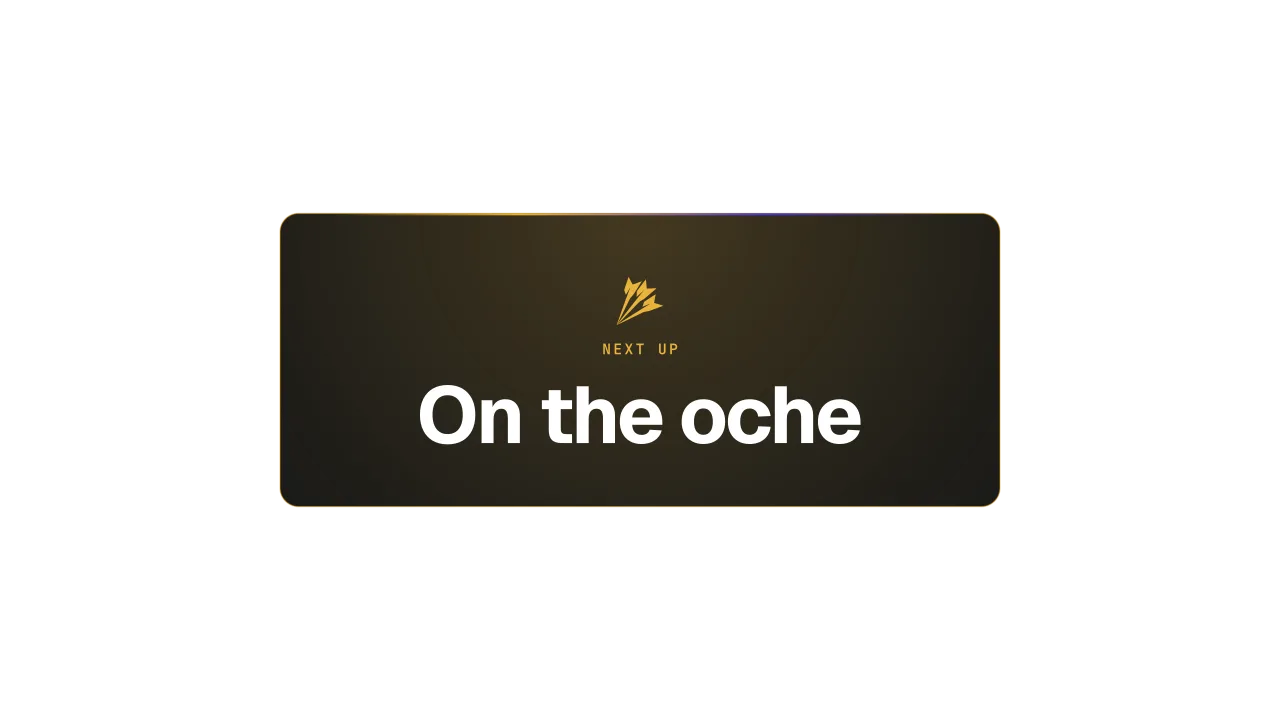
On the oche
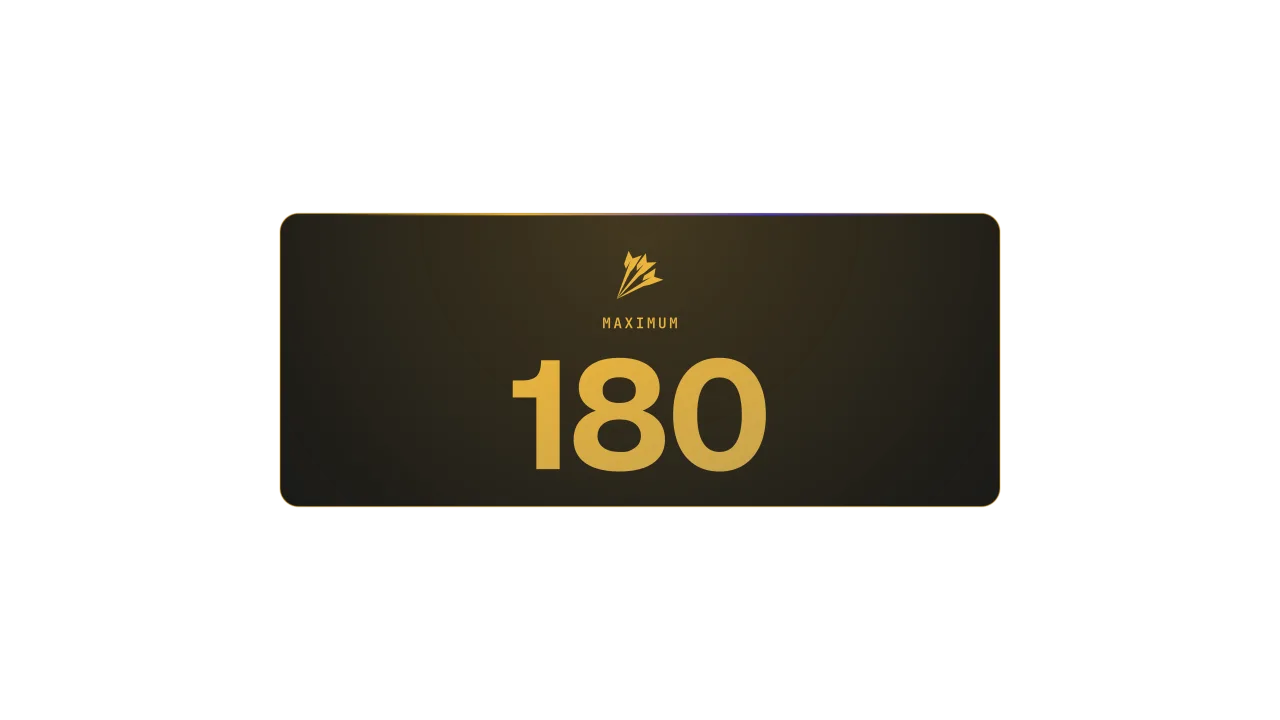
180
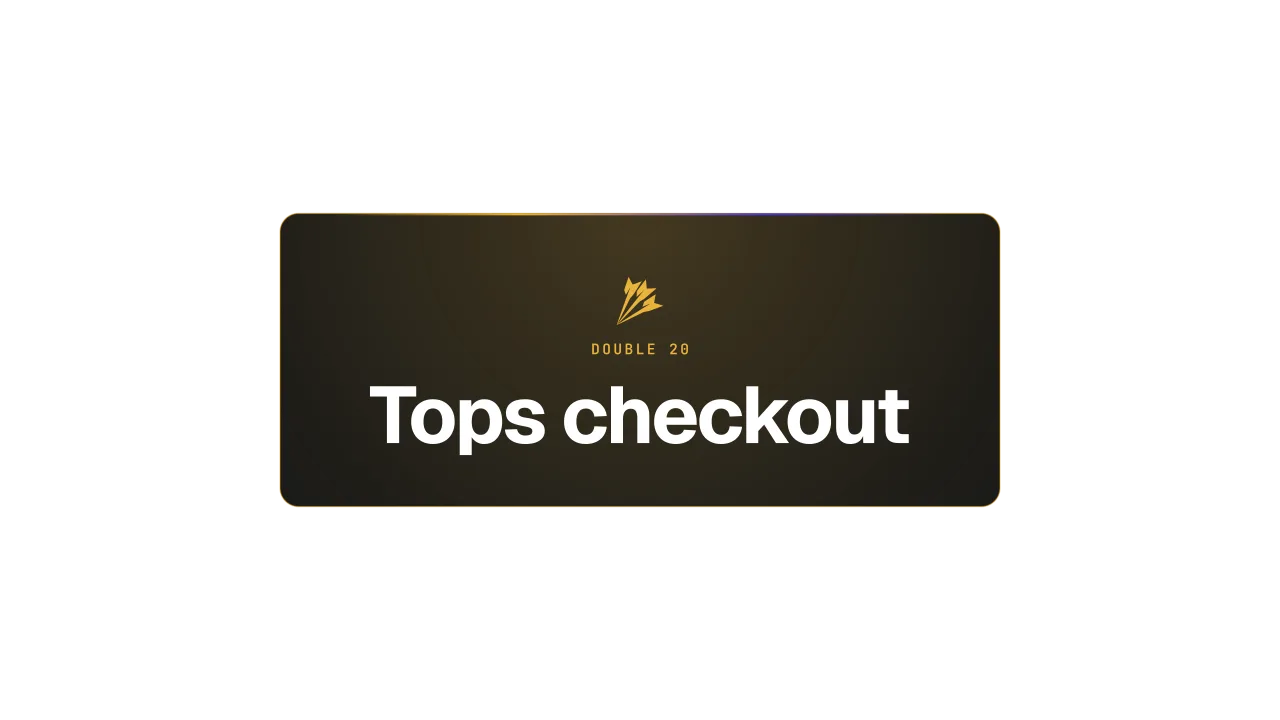
Tops checkout
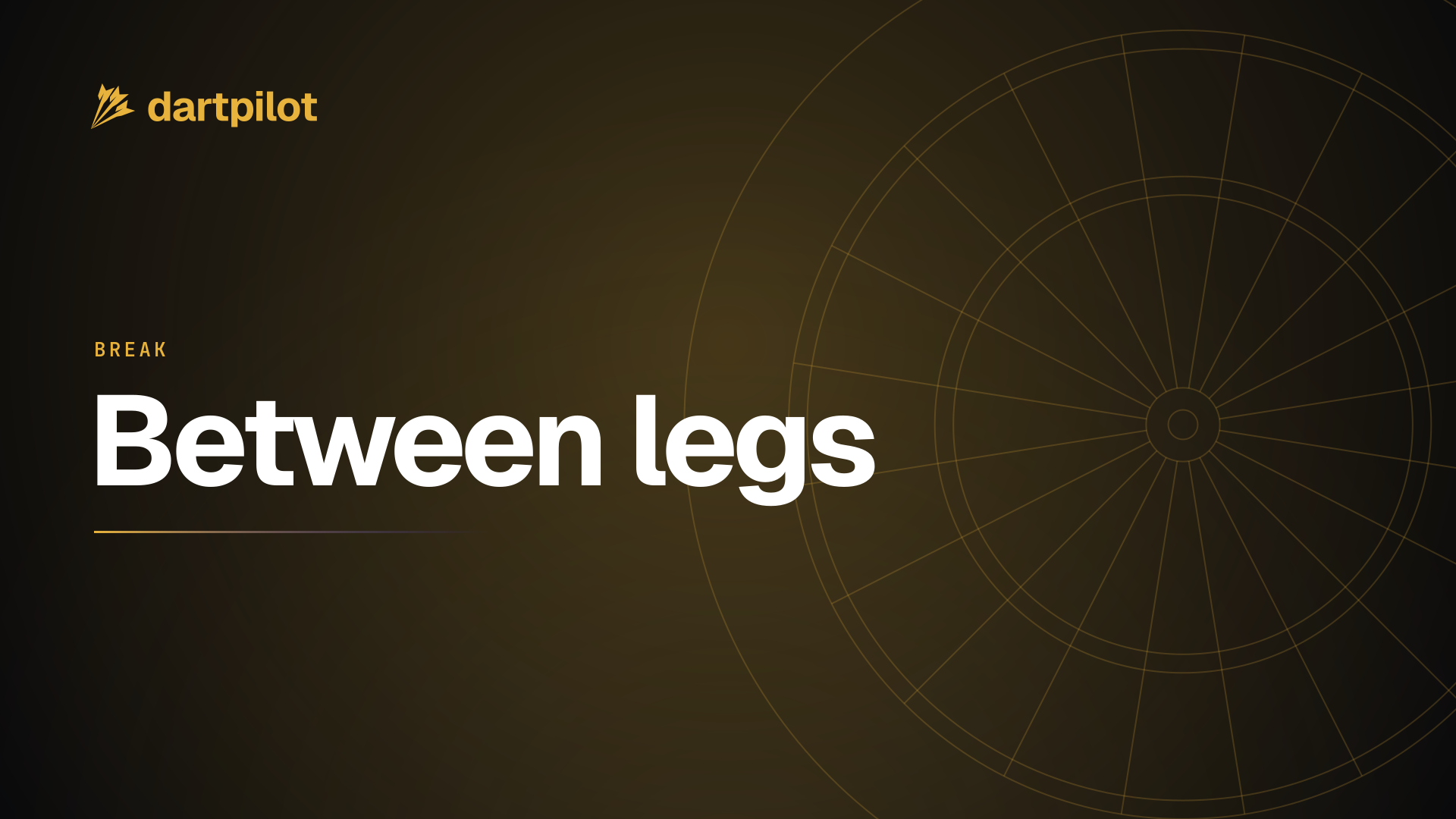
Full-screen cards for before the match and between legs.

Starting soon
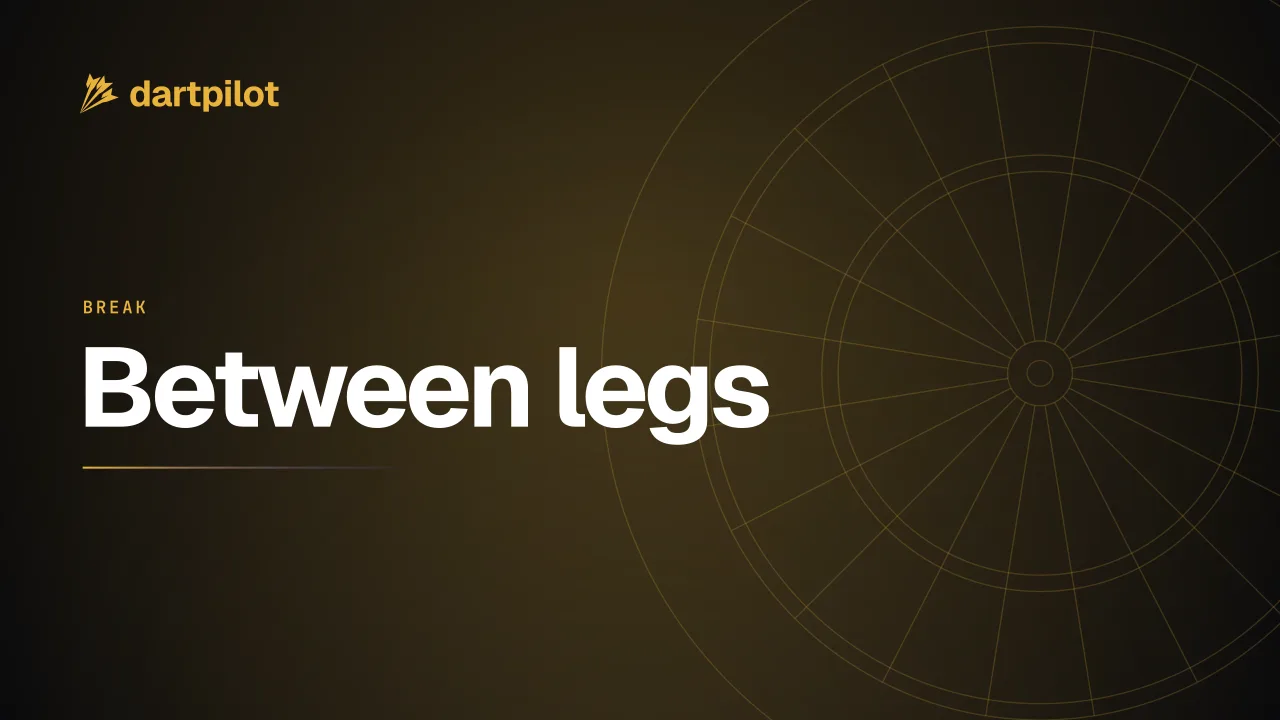
Between legs
Panels for a Twitch channel page or a Discord server.
320×100
300×200
Wallpapers
Six designs for monitors, TVs, phones, and tablets. Each comes in 4K landscape, portrait, and square, plus 1080p.
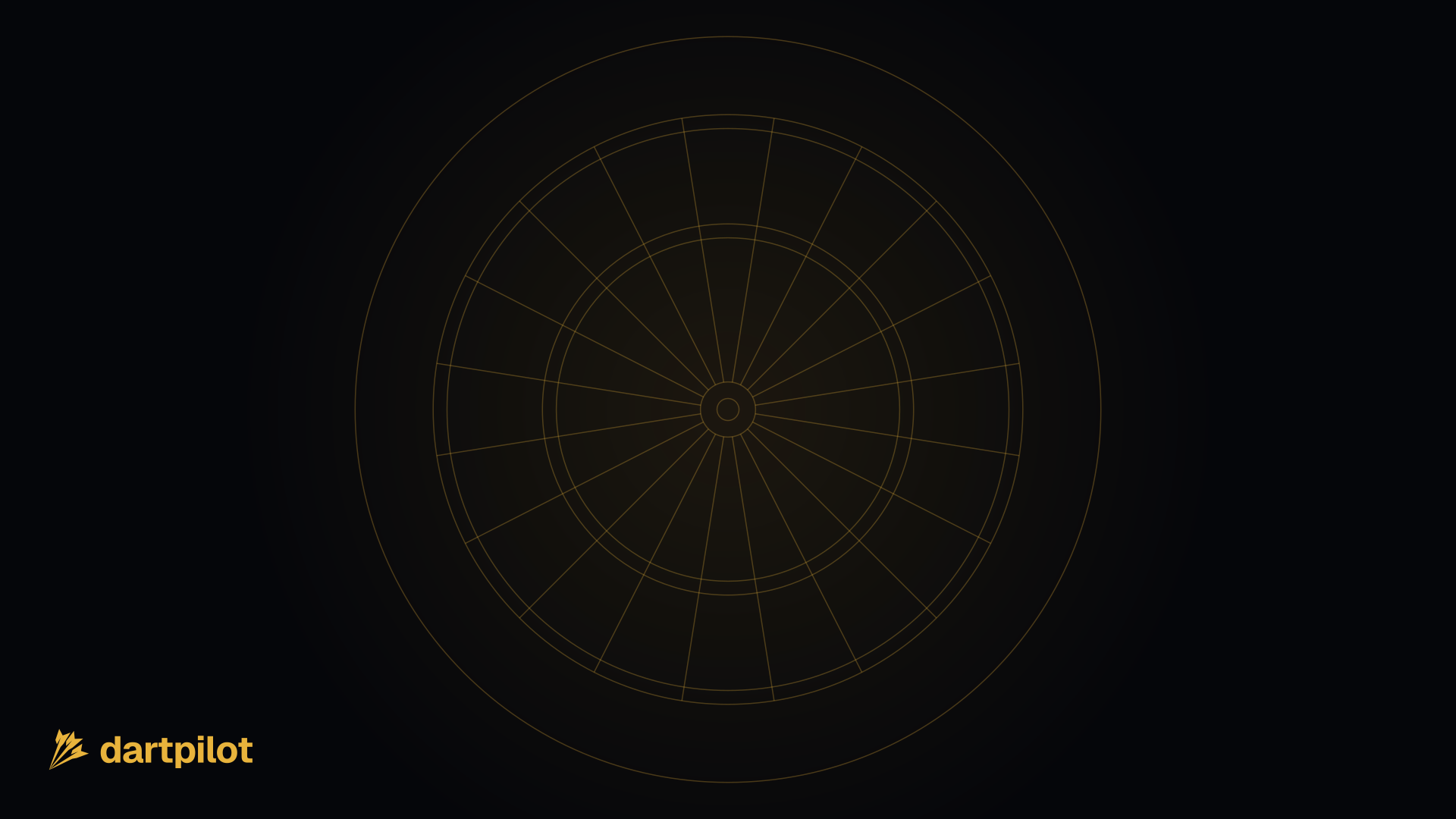
Flat ink, a gold glow, a gold grid, dartboard lines, and a gold to periwinkle aurora.

Pure Black
Ink
Midnight Gold
Gold Grid
Oche Lines
Aurora
Colour
These are the same values the product uses. Please use them as they are instead of picking a gold by eye.
Brand gold
The mark. Primary on dark.
Muted gold
Gradients and secondary gold.
Gold on light
Gold text on light backgrounds. Passes contrast.
Ink
Dark backgrounds and the single-colour mark.
Ink deep
The deepest background.
Paper
Light backgrounds.
Typography
Both are free and open source.
Darts that score themselves.
T20 · T20 · T20 = 180
Usage
The dartpilot name and marks belong to dartpilot. There is no non-commercial limit: use them whenever you refer to dartpilot, including on a paid stream or at a venue.
FAQ
Yes. Use the marks to refer to dartpilot, unchanged, and link back to dartpilot.app where it helps. Do not suggest a partnership or endorsement without asking first.
Use the horizontal lockup as an SVG by default. Use the stacked lockup in square spaces and the symbol alone where space is tight, like an avatar or a favicon.
Add each PNG as an Image source. Put the board camera source below a board cam frame so it shows through the cut-out. The scorebug and score strip are empty, so add Text sources on top for names and scores.
No. Use one of the four colourways: gold, white, ink, or gold and ink. Between them they work on dark, light, and photographic backgrounds.
The wordmark in every SVG is outlined to paths, not live text, so it looks the same whether or not Geist is installed.



















































Social
Social and press.
Avatars and banners for your channels, plus the words we use to describe dartpilot.
Avatars
Profile pictures for social accounts, clubs, and directories.
Gold on ink, square
Gold on ink, rounded
Ink on light, square
Ink on light, rounded
Banners
Header images, with the lockup inside each platform's safe area.
X
YouTube
Discord
Social preview
Links to dartpilot.app already show this image. Download thesocial preview, PNG, 1200×630 px.
Boilerplate
Press contact
For interviews, partnerships, or anything not covered here, emailsupport@dartpilot.app.